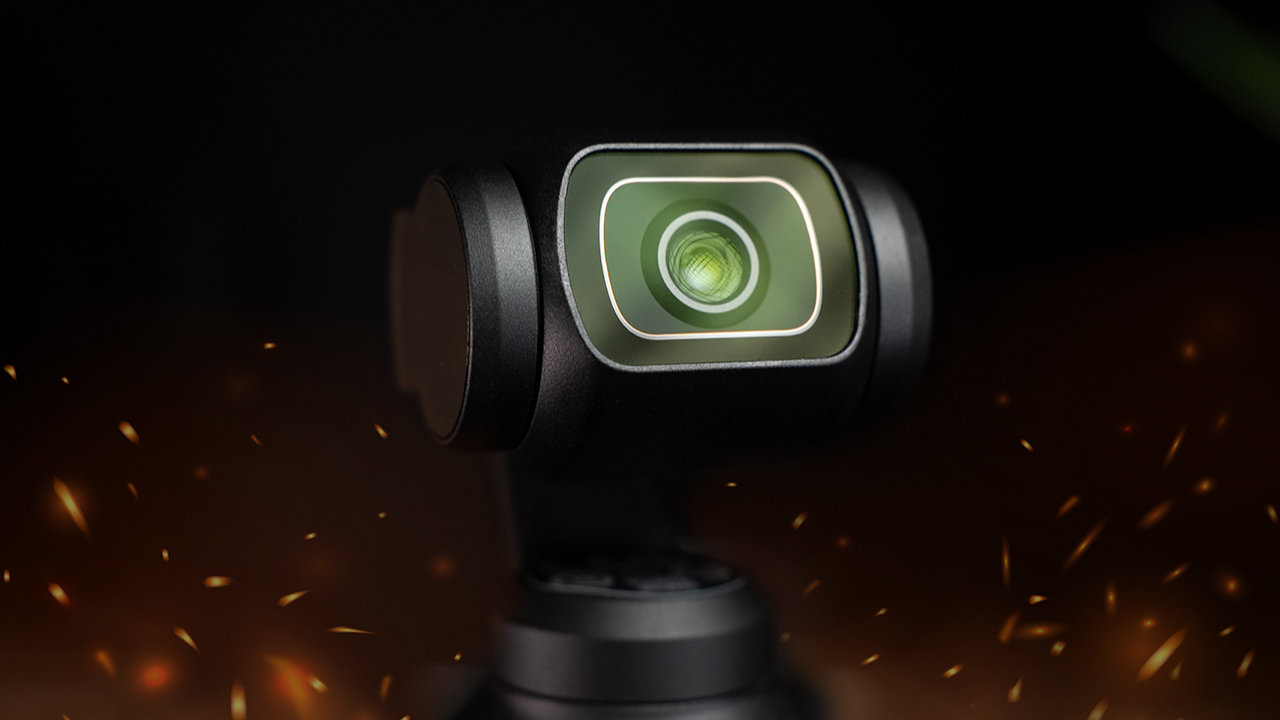
Osmo Pocket 3: Film 202
Change the way you use your Osmo Pocket 3 and start making gains fast.
Unlock the full potential of your OSMO POCKET 3 and take your videography and photography skills to the next level with my intermediate Osmo Pocket 3: Film 202 course. With my guidance, you'll master the ins and outs of your OP3 and learn valuable tips and tricks that will help you maximize your investment. From the basics to advanced techniques, my comprehensive curriculum at Film Alliance University is designed to help you create content that meet the high standards set by today's top creators.
Over the years, I've developed an extensive toolbox from real-world scenarios and client-based situations, which helped me stay ahead of the curve. Now, I'm sharing them with you.
THE PROBLEM:
Most OP3 users get stuck after the basics. Their footage looks soft because the focus modes aren’t set right. Their gimbal movements look robotic. Their slow motion is exposed wrong. Their color profiles don’t match their editing style. Their timelapses flicker. Their ND filters work against them.
They’ve learned the beginner stuff, but their footage still doesn’t look like the creators they follow.
THE SOLUTION:
This Film 202 course, teaches you the intermediate techniques that unlock the full potential of the Osmo Pocket 3. You’ll learn the exact focus settings, gimbal modes, slow-motion workflows, color profile choices, ND filter rules, and camera movement habits that instantly make your footage look controlled, intentional, and professional.
Everything is taught through real-world, over-the-shoulder examples so you see exactly what to do, and why.
THE QUANTIFIABLE RESULTS:
By the end of Film 202, you’ll be able to:
-
Increase your shot-to-shot focus accuracy by 90 percent using the correct focus mode for each scenario
-
Shoot slow-motion clips that look clean and buttery smooth with the right exposure and frame rate
-
Cut shaky or robotic footage by using proper gimbal and movement techniques
-
Choose the right color profile every time so your footage grades consistently in minutes
-
Use ND filters correctly and eliminate overexposed daylight shots in one setup
-
Create professional-looking timelapses and hyperlapses on command
Your Osmo Pocket 3's footage goes from “pretty good” to “legit creator-level.”
WHAT YOU GET:
-
Full 1.5 hours of intermediate OP3 training
-
Real-world demonstrations for every technique
-
Downloadable videos for offline viewing
If you already know the basics but want your OP3 footage to finally look clean, sharp, and professional Film 202 is the system that gets you there.